Digital Camouflage and Background Removal: A 2026 Guide
Yash Thakker
Author
Digital camouflage raises an understandable editing question: if a patterned shirt can confuse an AI person detector, will it also confuse a video background remover? The honest answer is that one demonstration does not settle the other task. A detector failing to draw a box tells us something about that detector under those conditions. It does not establish either success or failure in a different editing pipeline.
That distinction matters when a striking demonstration becomes a product claim. The person still appears in the recorded pixels. A background-removal tool must decide which of those pixels to retain, whether fine boundaries look natural, and whether the result stays stable through motion. Those are questions that require their own evaluation.
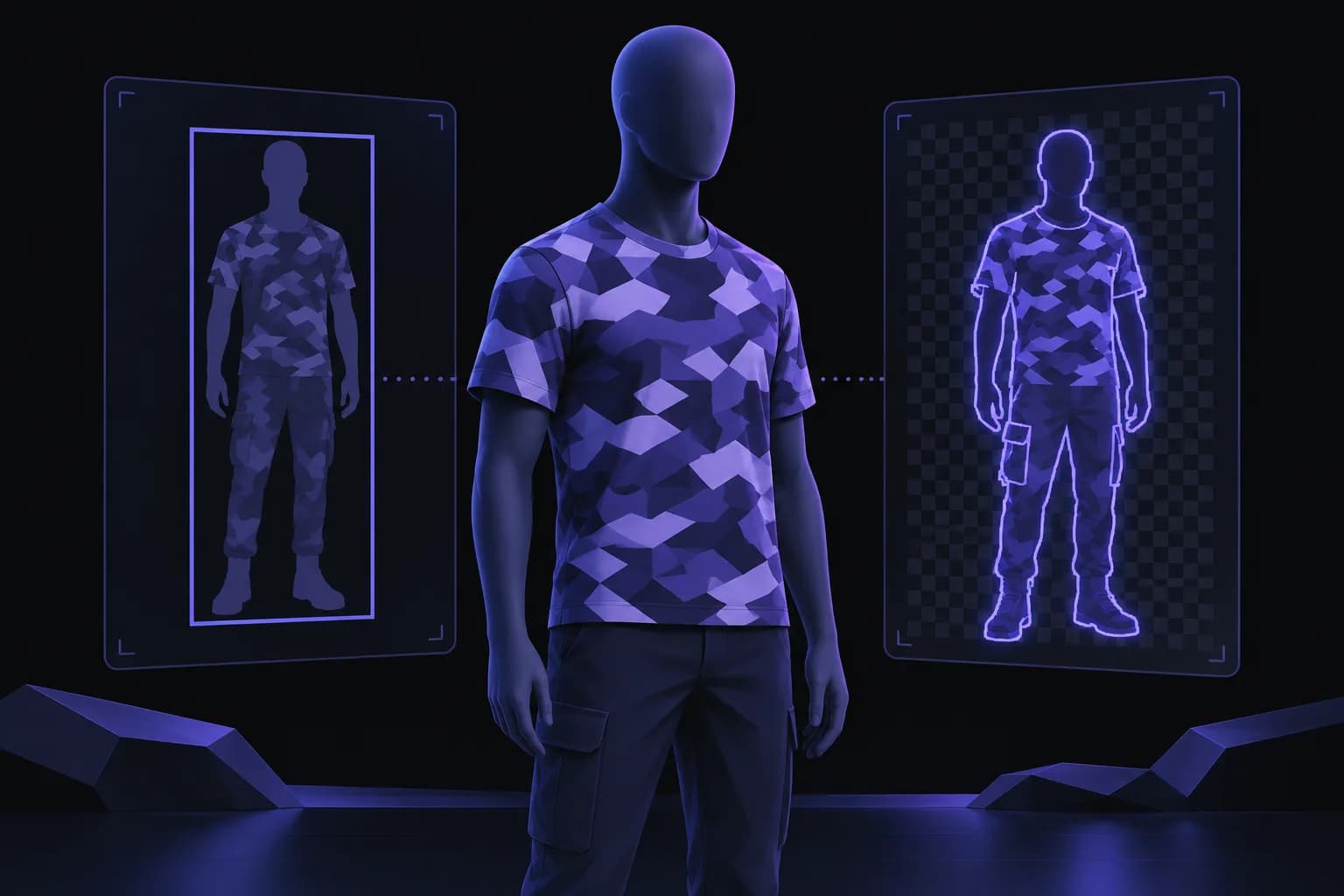
This guide explains the evidence behind the shirt, separates detection from segmentation and matting, and lays out a practical way to review patterned clothing in your own footage. It does not present an unperformed BGRemover benchmark. The hero is a conceptual illustration, not an experimental result or an image of the artist's garment.
What does the digital camouflage demonstration actually show?
The demonstration shows a patterned garment interfering with a tested object detector; it does not show the wearer disappearing from a camera recording. In his Digital Camouflage project description, Simon Weckert says the pattern was developed and tested against YOLO-based object detection. He also states that results depend on model, distance, angle, and lighting, and that the work makes no claim about a particular government system.
For an editor, the useful lesson is to identify exactly what the visible overlay measures. A rectangle labeled as a person is one model's output. When that rectangle disappears, the input photograph or video remains available. Another component could still process the pixels, and a human viewer can still recognize the subject.
Avoid expanding this narrow observation into a claim that every computer-vision model fails, or that every segmentation model succeeds. Neither conclusion comes from the demonstration. It also would not be enough to run one favorable still through a background remover and declare all patterned clothing solved.
A responsible caption should describe the observed behavior and its scope. For example, a recorded detector missed a subject in selected frames under a documented setup. That is different from saying that the clothing defeats surveillance, protects identity, or has been tested in BGRemover. Keeping those statements separate makes the story more useful and prevents an artistic demonstration from becoming an unsupported product guarantee.
How are detection, segmentation, and matting different?
Detection locates objects, segmentation assigns pixels to objects or regions, and matting estimates how foreground and background mix at their boundaries. These outputs answer related questions, but they are not interchangeable quality measurements.
Imagine a presenter standing against a wall. A detection box can include the presenter's entire body and a large amount of wall. A segmentation mask aims to follow the actual silhouette. A matte may need partially transparent pixels around fine hair, translucent fabric, or a motion-blurred hand. Getting the rough location right does not automatically solve those finer decisions.
| Task | Typical output | Useful editing question |
|---|---|---|
| Detection | A box and a category | Where is the subject likely to be? |
| Segmentation | A region or object mask | Which pixels belong to the selected subject? |
| Matting | Per-pixel opacity information | How should fine boundaries blend? |
| Compositing | A combined foreground and background | Does the finished shot look coherent? |
These stages can also be combined. A system might detect an object before segmenting it, or use several models to build a result. A product label such as AI background remover does not disclose its full architecture. Without documentation or direct evidence, it is inappropriate to claim that a particular app is independent of all detector behavior.
For a practical extension of this distinction, our SAM 3 background-removal guide explains why a segmentation model still needs an editing and export pipeline. The important purchasing question is whether the complete workflow produces a usable file, rather than whether one stage sounds more advanced.
Could an adversarial pattern also affect segmentation?
It could, but the effect must be measured on the particular model and footage instead of inferred from the word segmentation. A model solving a different task is not automatically immune to difficult or deliberately unusual inputs.
The CVPR paper on physically realizable adversarial clothing studies clothing textures designed to evade person detectors. It supports the existence of detector-focused adversarial clothing research. It does not establish how BGRemover performs on Weckert's garment, nor does it justify borrowing the paper's attack results as a score for a consumer editor.
Ordinary visual problems can complicate evaluation too. A busy shirt against a similarly busy wall may be hard to separate without any adversarial design. Compression may break small patterns into moving blocks. Thin straps, folds, and fast hands can produce weak boundaries. A poor result alone does not reveal which mechanism caused it.
This is why a comparison needs a control. Record the same person in a plain shirt with the same camera, background, lighting, and movement. If both versions fail during a rapid turn, the movement or recording conditions may matter more than the print. If the patterned version consistently introduces a different error, that is a useful observation worth investigating further.
Report the observation precisely: which region failed, in which frames, under which settings. Avoid turning a limited comparison into a universal statement about adversarial transfer or model robustness. Editing decisions can be based on visible results even when the underlying model behavior remains uncertain.
How can you set up a useful background-removal comparison?
Use matched recordings, a clearly defined subject, and a written acceptance rule before evaluating the output. That gives you a repeatable editing comparison instead of a collection of favorable screenshots.
Capture a control and a challenging take
Keep camera position, lens choice, resolution, framing, and lighting unchanged. Record one take with a plain garment and another with the patterned garment. Include a short sequence of ordinary actions: standing still, turning sideways, lifting an arm, and briefly moving a hand in front of the torso. Choose movements you can reasonably repeat.
Record the full silhouette if feet or trouser boundaries matter to the final shot. For a seated facecam, frame the actual head-and-shoulders composition instead. A test at one scale should not be described as proof at every scale. Keep the original recordings so compression differences are not introduced before processing.
Define what counts as usable
Decide which mistakes would require repair for your project. Missing a sleeve may be unacceptable in a clothing demonstration. A slight edge softness may be acceptable in a small picture-in-picture presenter. A mask that changes around a stationary shoulder may be distracting in either case.
Write those rules down before choosing a favorite result. Process both takes through the same video background-removal workflow, keeping available settings consistent. Record the date and the selected output mode. When the application does not expose its model version, say so rather than guessing. A reproducible workflow record is more informative than an unexplained accuracy percentage.
What should you inspect in the finished video?
Inspect subject completeness, boundary appearance, and stability over time in the exported video. A single preview can help diagnose a frame, but it cannot establish that the full clip is ready to publish.
Start at normal playback speed. Watch the subject without pausing and note moments where the outline draws your attention. Then inspect those moments frame by frame. This order prevents a close-up inspection from distracting you from the actual viewing experience, while still giving you a way to locate the problem.
Check the shirt hem, the space between the arm and body, and any opening made by a bent elbow. Look for unwanted background islands inside the silhouette and missing foreground patches inside the garment. These two errors need different descriptions: one retains material that should be removed, while the other removes material that should remain.
Inspect fine details against both a light and a dark backdrop. A pale fringe may disappear on white and become obvious on black. A dark border can behave in the opposite way. This does not mean either diagnostic backdrop should become your final design; they are simply useful ways to expose defects.
Finally, review the actual composition at its delivery size. An edge can look acceptable in a large editing preview yet feel unstable when the subject is reduced. Our guide to hair and difficult background-removal edges provides related checks, but patterned fabric deserves its own attention because the error can occur inside the subject as well as along the outline.
How do you distinguish a mask problem from an export problem?
Compare the processed preview with the downloaded file in the application where you intend to use it. If the silhouette looks correct in one place and loses transparency in another, the export or playback path may be the issue.
A transparent area is represented by opacity information, not by a particular visible color. A checkerboard in an editor is usually a visualization. A black background in a simple player can be a display choice, or it can indicate that the file was flattened. You need to place the file over a colored layer in an editor that supports its format to distinguish those cases.
Do not solve this by renaming a file extension. The video container, codec, encoded alpha information, and decoder behavior must work together. The WebM alpha-channel documentation describes how opacity data can accompany video. Its existence does not mean every WebM file carries alpha or every editor reads it identically.
If you only need a finished social clip, replacing the background before the final export can simplify delivery. If another editor must place the subject over several scenes, preserve a compatible transparent intermediate and test it before processing a long take.
The same diagnostic distinction applies to still images. A missing piece of sleeve in a transparent PNG is a selection problem. A correctly cut out person saved onto an opaque white canvas is a composition or export decision. Our transparent-background guide explains that distinction in more detail.
What should creators publish when sharing a test?
Publish the setup, representative outputs, and limitations alongside the result so readers can assess what the comparison actually supports. Avoid a winner label when the test covers only one garment or one short recording.
A useful report identifies the recording conditions, original dimensions, approximate subject size in frame, movement, output mode, and evaluation date. Explain whether both takes used identical settings and whether any manual correction occurred. If you changed a setting after observing a problem, keep that change visible in the record.
Include an ordinary successful moment and the most difficult observed moment. For video, show a moving excerpt when permission allows rather than relying exclusively on stills. A carefully selected frame can conceal unstable boundaries immediately before or after it.
Distinguish the observations from your explanation. You may observe that the shirt region developed holes, while the reason remains uncertain. Claiming that the pattern attacked a particular internal model requires evidence beyond the appearance of the output. An editor can choose a different shot without first solving that research question.
For a classroom exercise, the learning outcome might be understanding these distinctions. For a clothing seller, it might be preserving the garment accurately. For a creator, it might be producing a clean overlay. Each use case can adopt a different practical acceptance threshold, but none should turn an editing result into a promise of personal anonymity or system-wide invisibility.
When should you keep the original background?
Keep the original background when removing it damages the subject, changes the meaning of the footage, or adds more distraction than it removes. Background removal is an editing option, not a requirement for every challenging scene.
In a garment demonstration, preserving the real outline and texture may matter more than achieving an empty backdrop. A tighter crop, a quieter replacement shot, or a different recording position can solve the presentation problem while retaining the evidence viewers need. If you can reshoot, increase separation between the subject and background and avoid a wall with a closely matching pattern.
For documentary or analytical footage, retain an original copy and identify edited versions clearly. Removing the environment can remove context about scale, location, and the demonstration setup. A composite may illustrate an idea well while becoming a poor substitute for the source recording.
Digital camouflage is an interesting way to discuss the limits of computer vision precisely because its claims depend on conditions. Bring the same discipline to background removal: select a representative clip, define the intended result, and inspect the exported sequence. When you are ready to evaluate your own footage, start with BGRemover.video and judge the actual result rather than assuming that either a viral demonstration or a model name predicts it.
Frequently asked questions
Does digital camouflage make someone invisible?
No. The person remains recorded in the image, even when a particular detector fails to label them. The artist explicitly limits the demonstration to tested conditions and does not promise anonymity.
Has BGRemover been tested on this exact shirt?
This article does not report a controlled BGRemover test of the shirt. It explains the technical distinction and provides an evaluation method. A missing detection box cannot establish whether another tool will produce a usable cutout.
Is segmentation immune to adversarial patterns?
No immunity follows from performing a different task. A pattern may affect different models differently, and ordinary texture, motion blur, or low contrast can also cause a poor mask.
What should I inspect in patterned-clothing footage?
Inspect shirt boundaries, hands, holes inside the silhouette, and changes across consecutive frames. View the exported result against contrasting backgrounds as well as the intended final composition.
Can background removal anonymize a person?
Removing the surroundings generally leaves the foreground person visible. It should not be treated as identity protection; review faces, clothing, voice, and other identifying details separately.
Why does a good still preview sometimes fail in motion?
A still preview evaluates one moment. Movement, occlusion, blur, and changing texture can alter the mask later, so a video needs normal-speed playback and targeted frame inspection.