Replace a Video Background, Keep Proof of the Real Place [2026]
Yash Thakker
Author
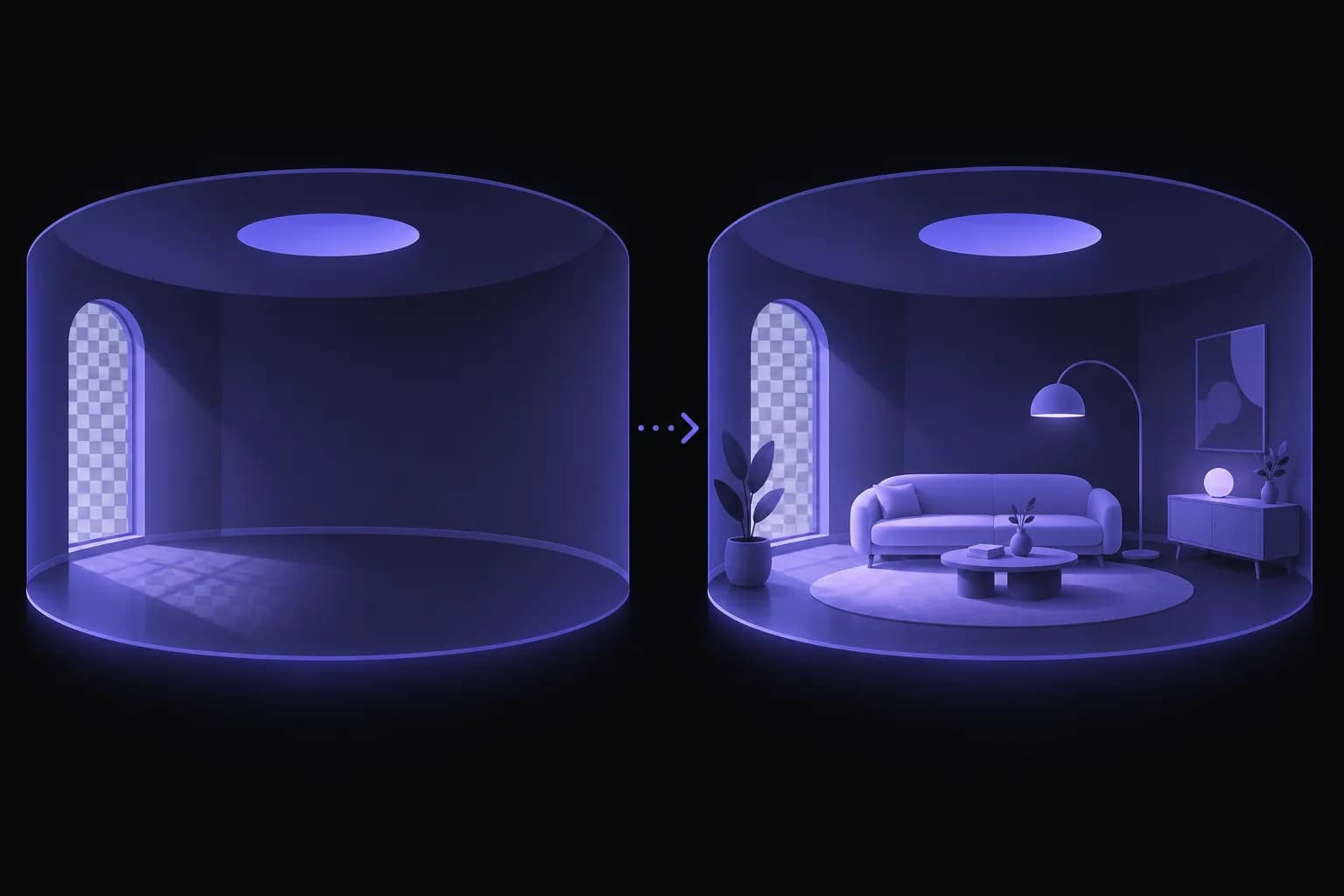
Replacing a video background is a creative choice, and most of the time it is harmless. A founder records an update in a spare room and puts a clean studio behind them. A teacher swaps a cluttered wall for a plain colour. A creator moves a talking-head clip onto a branded backdrop. Nobody is misled, and the edit makes the video easier to watch.
The picture changes when the place is part of the message. An agent films an introduction in front of a property. A contractor shows a finished job. A venue shows its space. In those videos, the background is not decoration; it is evidence about something a viewer may be about to decide on. Once the background has been swapped, the finished file no longer shows where it was made, and neither you nor anyone else can prove it from the file alone.
A two-minute habit solves this: take a stamped reference photo of the real location before you edit. This guide explains why that habit matters, how to do it for free, and how to fit it around a background replacement in BGRemover.video.
Why does the real location matter after the background is replaced?
The real location matters because the edited video is no longer a record of the place. A background replacement keeps the person and changes everything behind them, so the finished clip can look as if it was filmed anywhere. That is the point of the tool. It is also why the original context needs to live somewhere else.
You are likely to be asked about the location in one of four situations:
- A client or colleague asks where it was filmed. Without a record, you answer from memory.
- A platform or buyer questions an ad or listing. If the setting is part of the claim, you may need to show what is real and what is designed.
- You reuse the footage months later. Dates, places and conditions fade quickly, and a reference photo restores them.
- A dispute starts. If someone says a clip misrepresents a place, a stamped photo and the untouched original are the strongest things you can produce.
None of this makes background replacement risky. It means that when the place matters, the video should not be the only record of it.
What do the rules say about edited or staged images?
The rules depend on where and what you publish, and they are getting stricter in property marketing. The National Association of Realtors' article on picture-perfect listing photos says buyers should know when images are digitally altered, for example through a note on the photo or in the listing remarks, and quotes an agent saying virtual staging is acceptable when it is used correctly and not to deceive buyers. It points to Article 12 of the Code of Ethics, which asks agents to present a "true picture" in advertising and marketing.
It also describes California's AB 723, in force from January 1, which requires listings with digitally altered images to carry a disclosure and to give access to the original, unaltered photos. According to the same article, routine edits such as lighting, sharpening, white balance, cropping and exposure are excluded, while changes to things like furniture, flooring, walls, paint colour or the facade are covered.
That law is about photos in listings, and your video may fall under different rules or none. The principle carries over, though: when an edit changes what a viewer would take away about a real place, say so, and keep the original. Check the rules for your country, your platform and your profession before you publish, because they differ and they change.
How do you take a stamped reference photo?
Open the free Geotag Camera from Ceptory in your phone's browser at the place you filmed. It needs camera and location permission, then shows your GPS coordinates directly under the live preview. When you take a photo, it prints the street address, latitude, longitude, accuracy and time on the image and writes them into the photo's EXIF metadata, along with a title, photographer and copyright if you enter them. The photo is never uploaded and stays on your device until you download it. Only your coordinates are sent to OpenStreetMap to get the address, and a switch turns that off.
A few habits make the photo useful:
- Stand where the camera stood. The goal is a picture that matches the scene in the video.
- Take one wide shot with the set-up as recorded. Include signage, a gate number, a doorway or whatever anchors the place.
- Wait for the accuracy to settle. MDN defines geolocation accuracy as the radius, in metres, within which the true position falls with 95% confidence, so a small figure is a precise point and a large one is only an area. Indoors and on laptops the figure is often large.
- Add a title and note. "27 Elm St, living room, take 2" saves guesswork months later.
- Photograph before the edit, not after. The reference belongs to the original scene.
How do you replace the background without losing the original?
Work on a copy, and keep the three files together. The workflow looks like this:
- Film the video as normal, with good light and some separation between the subject and the wall.
- Take the stamped reference photo at the same spot.
- Upload a copy of the video to BGRemover.video and remove or replace the background. The video background removal feature works without a green screen and runs in the browser.
- Export the new video and review it at full size.
- Save the original, the reference photo and the export in one folder named for the project and date.
For a clean result, the usual filming advice applies. Even lighting, a subject that contrasts with the wall behind them, and enough room around hands and hair give the segmentation better material. If edges look rough, our guide to why AI background removers struggle with hair explains what to change before you shoot, and the tests in the best background removers we tested show how tools compare on tricky footage.
Should the background look real?
Pick a background that fits the purpose. A plain or branded backdrop is honest by default, because nobody takes it for a real location. A realistic backdrop of a place, such as a house exterior behind an agent, can read as the real setting. If you use one, be clear about it in the caption or on screen.
What should you tell viewers?
Tell viewers when the setting matters to what they are deciding. A short, plain line is enough, for example "Background is a design" or "Virtual background; the video was filmed elsewhere". Put it where people will see it, such as the caption, the description or a small on-screen note, rather than burying it in a long text.
Disclosure is simple when you have kept your records. You know where the video was filmed, you have the original, and you can say what changed. That is much easier than reconstructing the facts after a complaint.
You do not need a disclosure for every creative use. A tutorial with a coloured backdrop, a branded stream overlay or a presenter in a studio set is not claiming to be anywhere. If you are unsure, ask whether a reasonable viewer would draw a conclusion about a real place from the background. If they would, label it.
Where does this habit help most?
The habit is most useful where a place is part of the product or the promise.
- Real estate. Agent introductions, walkthroughs and neighbourhood clips where the setting influences a purchase.
- Construction and trades. Before-and-after videos, progress updates and finished-job clips for clients.
- Venues and hospitality. Tours and promos where the space is what is being sold.
- Travel and local business. Videos that claim to show a location, a shop or a service area.
- Streamers and creators. Less critical, but a quick reference photo helps when a brand asks for proof of a shoot. Our guide to removing the background from facecam, devlog and streaming videos covers the creative side.
Privacy: handle coordinates with care
A stamped photo is personal information when it shows a home or reveals where a person works or lives. Coordinates identify a place precisely. Share the reference photo with the client, platform or colleague who needs it, not publicly. If the shoot was at a private residence, keep the photo private and consider removing the stamp or the EXIF before you pass it on. The Geotag Camera has separate switches for writing EXIF metadata and for printing the stamp for exactly that reason.
What mistakes should you avoid?
Most problems come from skipping a step, not from the edit itself.
- Overwriting the original. Always save the edited video under a new name. If you only have the export, you have lost the proof of what was filmed.
- Taking the reference photo after the fact. A photo taken days later, or somewhere nearby, does not match the footage. Take it during the shoot.
- Trusting a poor location fix. If the accuracy figure shows hundreds of metres, the coordinates describe an area, not the spot. Wait or move outdoors for a better fix, or note the address in the photo title.
- Using a believable backdrop without a label. A realistic house, office or street behind a speaker invites viewers to assume it is real. Label it, or choose a clearly stylised background.
- Sharing coordinates widely. A stamped photo from a private home reveals that home. Send it only where it is needed.
- Mixing up files. Name the original, the reference photo and the export for the same project and date, so nobody has to guess which belongs to which.
A checklist for the next shoot
- Film the video and keep the original untouched.
- Take a stamped reference photo at the real location.
- Add a title that names the place and the take.
- Replace the background in a copy using BGRemover.video.
- Review the export at full size, including fast movement and edges.
- Decide whether viewers need to know the backdrop is a design, and label it if so.
- Store the original, the reference photo and the export together.
- Share the reference photo only with the people who need it.
Summary
Replacing a video background is ordinary creative work, and most clips need no more than a good export. When the place is part of the message, keep a record of it: a stamped reference photo from the real location, the untouched original, and a clear label on designed backdrops. The Geotag Camera gives you the photo for free in your browser, and BGRemover.video handles the background in a few steps. For the broader tool landscape, see the image background remover when you need the same result for stills.
Frequently asked questions
Why keep a reference photo of the real location?
After a background is replaced, the finished video no longer shows the place where it was recorded. A stamped photo records where and when the shoot happened, which helps with client approvals, disputes and your own archive. It takes about two minutes and sits next to the original footage.
How do I take a photo that shows the GPS location?
Use the free Geotag Camera from Ceptory. It runs in your browser, shows your coordinates under the live camera preview, prints them with the street address on the photo and writes them into the EXIF data. Photos are never uploaded, and only the coordinates go to OpenStreetMap to look up the address, which you can switch off.
Do I have to tell viewers the background was replaced?
When the real setting matters to a viewer's decision, such as a property, a workspace or a service area, say that the backdrop is a design. Rules vary by country, platform and profession, and some places require disclosure of altered listing images, so check the rules where you publish.
Does replacing a background change the original file?
No, as long as you work on a copy. BGRemover.video produces a new export, and your original upload stays as recorded. Keep the original anyway, because it is the proof of what was actually filmed.
Is a virtual background always misleading?
No. A designed backdrop for a talking-head video, a tutorial or an ad is ordinary creative work. It becomes a problem when the background is the claim, for example when a clip implies that a home, venue or product is in a place that it is not.
Should I share the reference photo with viewers?
Usually not publicly. Coordinates identify a place precisely, so share the photo with the client, platform or colleague who needs it, and keep it private if the shoot was at a home.