YouTube and course production
Remove green without maintaining complex editor templates.
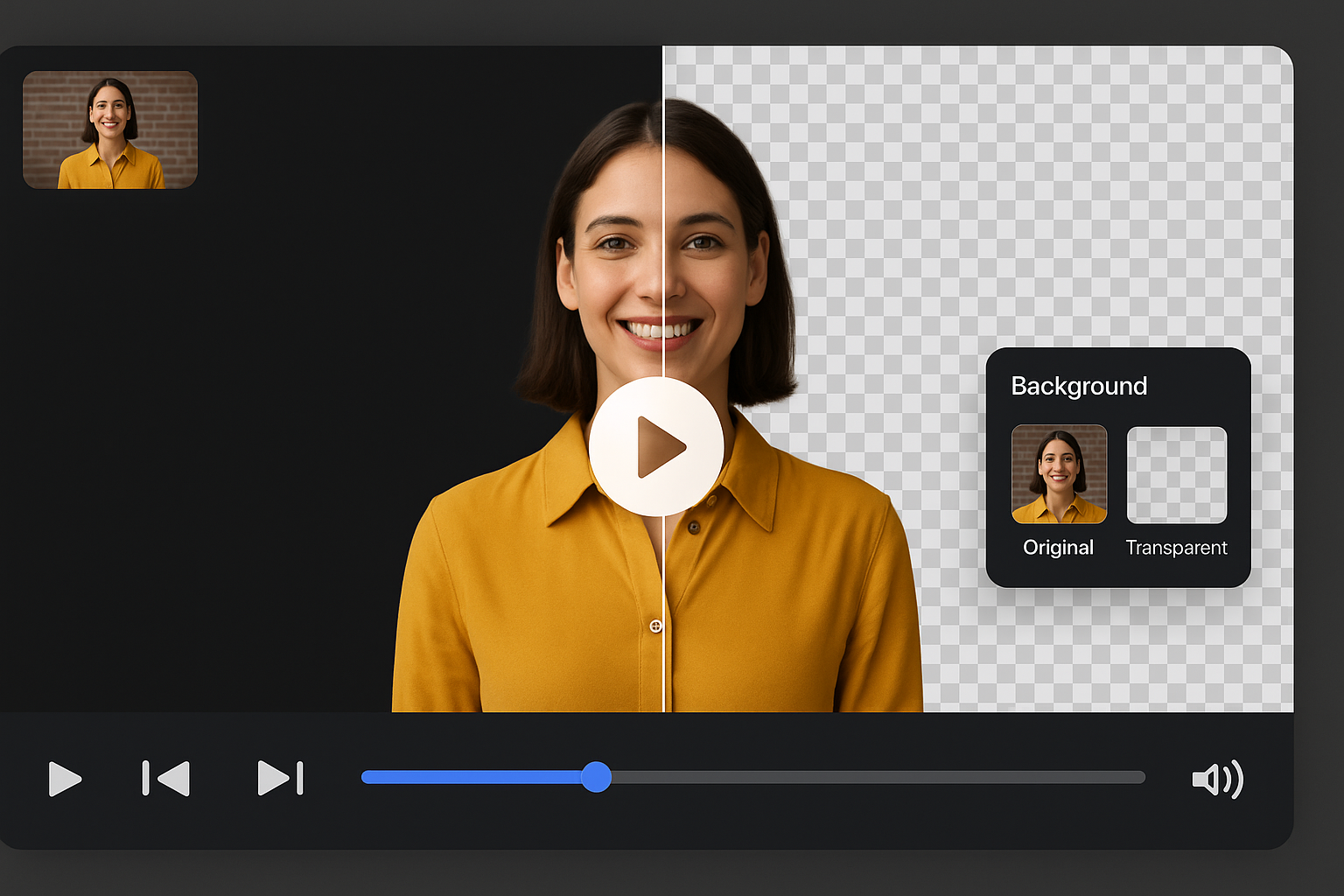
Skip manual chroma keying. AI instantly removes green screen backgrounds from any video while preserving hair, edges, and fine details.
File must be MP4, MOV, WebM or M4V
By uploading your file, you agree to the BGRemover.video Terms of Use and Privacy Policy

Remove green screen backgrounds without manual chroma keying or color adjustments. AI automatically detects and removes green while preserving subject details like hair edges and transparent objects. Works on studio-quality or home recordings, even with inconsistent lighting or wrinkled fabric. Ideal for content creators, streamers, and video editors who want professional results without technical complexity.
Traditional chroma key struggles with green spill and edge fringing around hair and fine details. Our AI handles these challenges automatically, delivering clean edges without manual cleanup. Save hours of tedious editing while achieving natural-looking results. The AI adapts to lighting changes and subject movement, keeping edges sharp throughout your entire video.

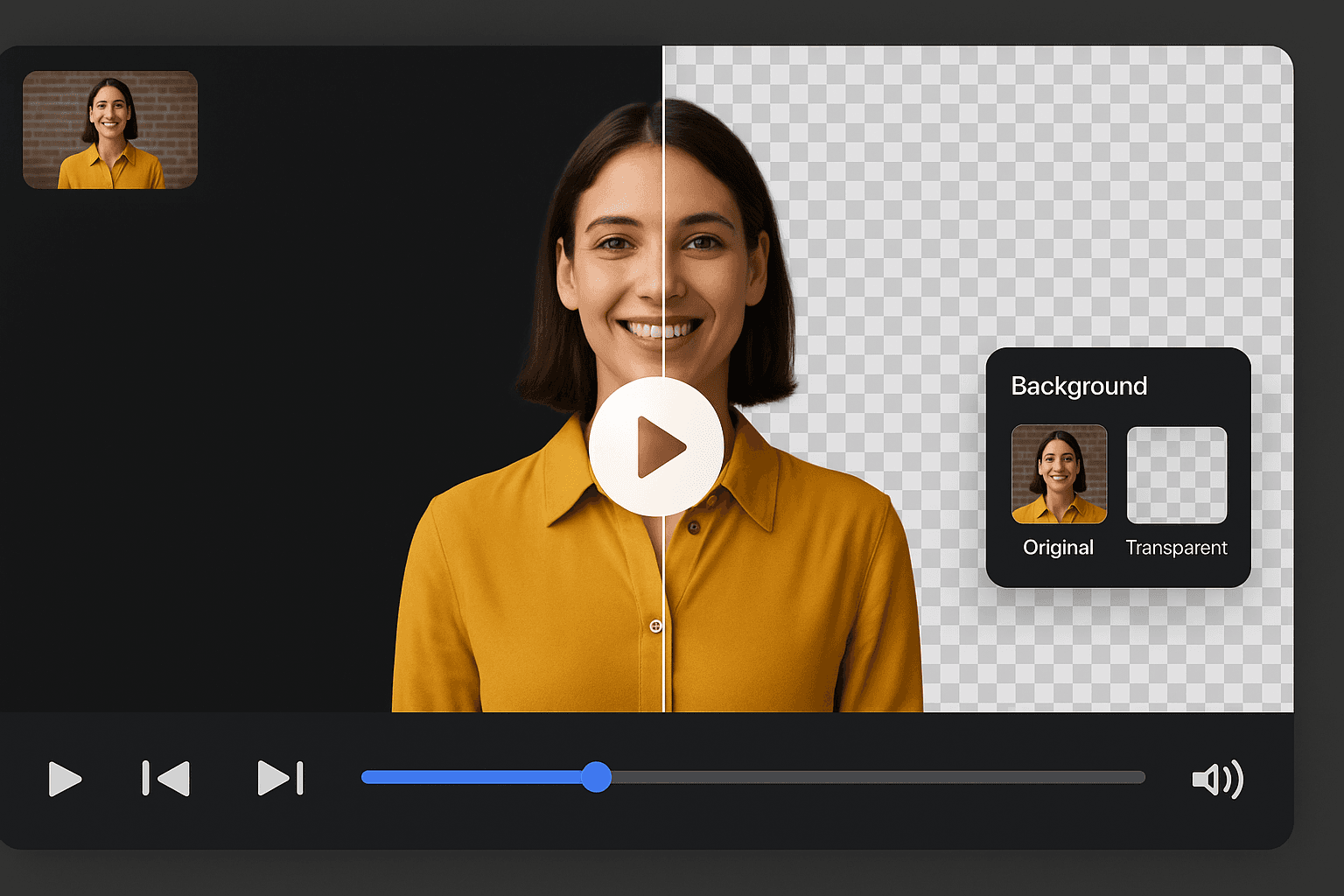
Whether you have professional studio lighting or a wrinkled home green screen, our tool handles lighting inconsistencies, shadows, and fabric issues that typically break chroma key. Upload your footage and AI removes the green background regardless of setup quality. No need for expensive equipment or perfect conditions to get professional results.
Export your video with transparent background as MOV or PNG sequence for compositing, or add a custom background and export as MP4. Perfect for YouTube intros, TikTok content, Instagram Reels, Twitch overlays, and professional video projects. Compatible with all major editing software including Premiere Pro, Final Cut, and DaVinci Resolve.

Built for users comparing chroma key workflows, not just searching remover tools.
Send clean subjects to After Effects, Resolve, or motion pipelines.
Publish quickly when compositing is not required.
Prepare intros, tutorials, and shorts after green removal.
Emphasizes workflow replacement for traditional chroma key, not only creator fixes.
Remove green without maintaining complex editor templates.
Clean up green wall recordings from office studios.
Deliver pre-keyed subjects to motion teams faster.
Turn streamed green screen content into edited clips.
How It Works
Green screen removal should not require timeline layers, spill masks, and export presets. Upload footage and let AI remove the green as a complete online workflow.
Accepts creator, classroom, and studio clips with green backdrops.
Edge cleanup and spill handling happen automatically across frames.
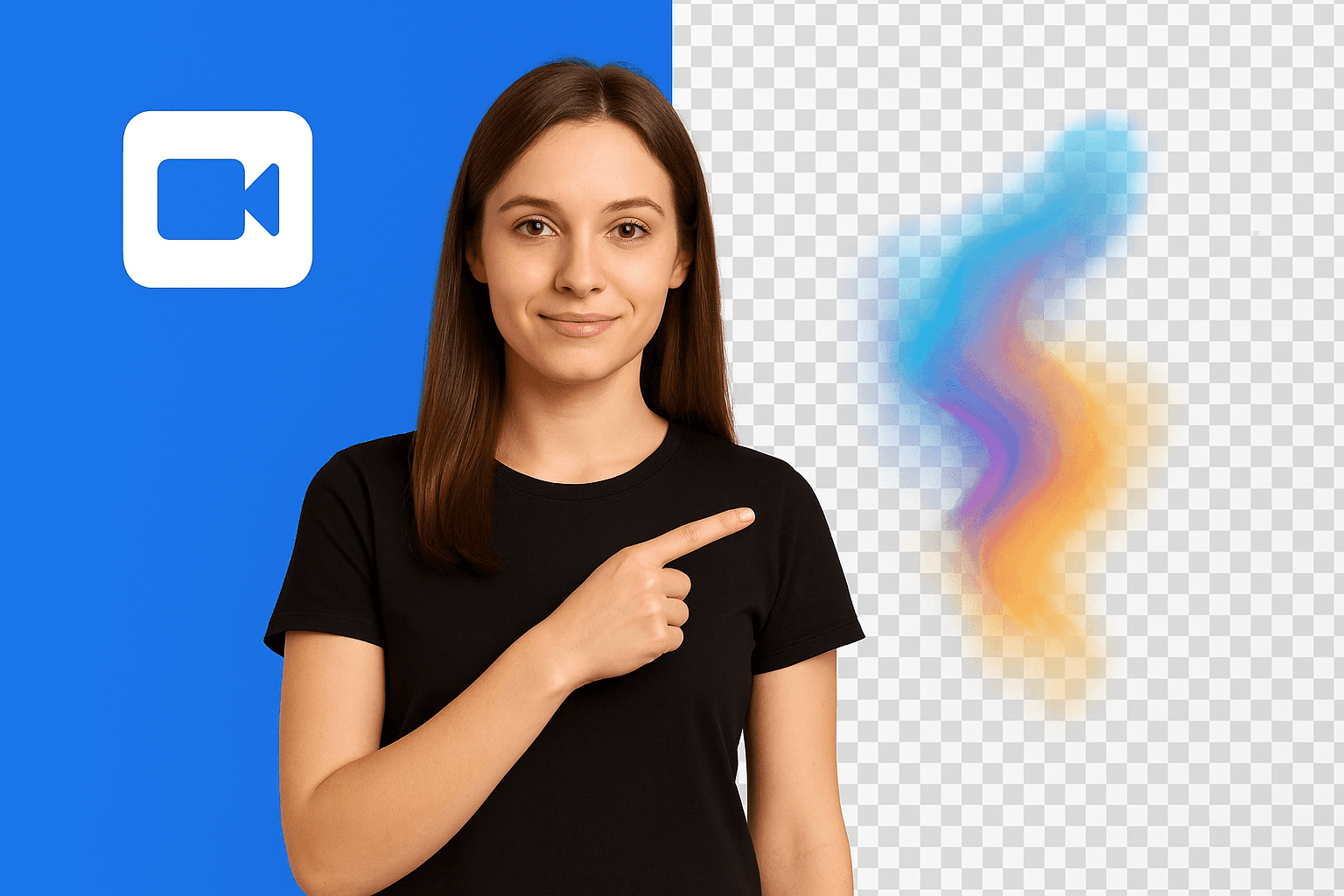
Go transparent for compositing or replace with a new background for direct publishing.
Compare a browser-first removal workflow with traditional keying stacks.
Try this workflowFAQ
Chroma key alternatives, exports, and editor handoff.
Yes. It removes green screen backgrounds online without manual keyframing or spill cleanup.
Removal focuses on replacing a full chroma key workflow. Remover matches shorter high-intent searches for deleting green backdrops.
Yes. Use transparent export when handing footage to another editor or compositing tool.
Remove green screen backgrounds from video without manual chroma keying. AI delivers clean edges on hair, motion, and home-studio footage.
Create transparent video backgrounds for overlays, compositing, and motion graphics. AI removes the backdrop and exports alpha-friendly results without a green screen.
Remove, replace, or make video backgrounds transparent with AI in seconds.
Page 1 of 1
Be the first to share your experience.
Skip manual chroma keying. AI instantly removes green screen backgrounds from any video while preserving hair, edges, and fine details.
Upload Video