ByteDance Seedream 5.5: Native RGBA Cutout Guide [2026]
Yash Thakker
Author
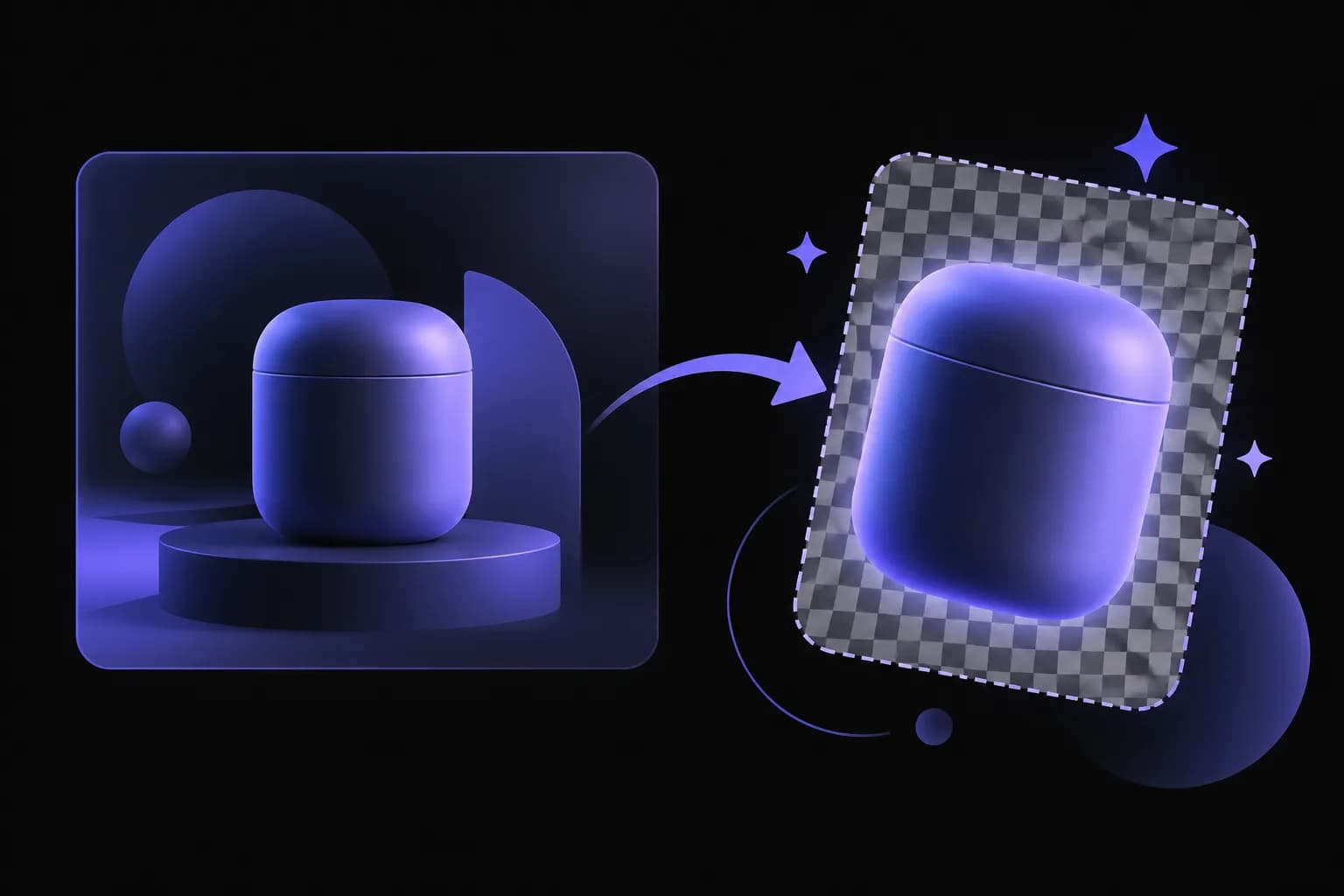
On November 9, 2026, ByteDance Seed introduced Seedream 5.5, an image model aimed at professional production rather than one-off novelty pictures. The headline capability for anyone who cuts out subjects is native RGBA output: generated elements can arrive with an alpha channel, which ByteDance says lets them enter layout and compositing without a separate background-removal and edge-cleanup step. That is a meaningful shift for AI-generated stickers, characters, and product-style visuals, even though it is not a replacement for every transparent PNG workflow.
The same launch also emphasizes multi-turn editing that preserves untouched pixels across many successive changes, plus stronger realism and small-text rendering in ByteDance’s own evaluations. Those features matter when a creative brief evolves over dozens of revisions. They do not, by themselves, solve video matting, live-action product photography, or the marketplace rules that still govern listing images.
This guide summarizes what the Seed team and independent coverage actually state, compares the model to dedicated background removers, and gives a practical checklist for creators and e-commerce teams. It also explains where BGRemover.video still fits when your source material is video or a camera file rather than a prompt.
What did ByteDance announce on November 9, 2026?
ByteDance Seed published a launch article titled “More Realistic Images, More Stable Editing Across 100 Rounds,” dated 2026-11-09. The post introduces Seedream 5.5 as a next-generation image creation model with three stated upgrades: stable multi-turn editing, native RGBA assets with transparent backgrounds, and improved realism plus small-text rendering.
The Decoder’s same-day report adds rollout context: according to that outlet, the model is gradually reaching Jimeng, Doubao, Doubao Work, and Volcengine Ark, with a Pro version planned. Neither source positions Seedream 5.5 as a video matting product; both describe still-image creation and editing pipelines.
ByteDance frames the release around professional reliability—quality, deadlines, and budget—rather than single-click novelty. That framing is why the RGBA feature belongs in a background-removal conversation: it attacks the manual step that follows many generative images today.
What is native RGBA generation in Seedream 5.5?
Native RGBA generation means the model can produce images that already include an alpha channel, supporting full and partial transparency. In plain terms, the file can store which pixels are see-through and which are opaque, similar to a well-exported PNG from a photo editor.
The Seed team writes that creators can generate assets with transparent backgrounds from text descriptions or reference images. Their snowy-owl demo stresses feather gaps, claw outlines, and wingtip detail without “subsequent background removal and edge cleanup.” A separate demo shows character assets reused across scenes while poses and groupings change.
That is different from generating a flat JPEG on white and asking another tool to guess the subject edge. When the transparency is born in the model, compositors spend less time erasing halos—but only if the edge quality meets your standard on real prompts.
If you already maintain a transparent PNG workflow, our guide to making a transparent background online explains how to verify alpha in a downloaded file. The same acceptance checks apply here: place the asset on contrasting colors, zoom into hair or thin lines, and test the size used in your store or slide deck.
How does multi-round editing change compositing work?
Multi-turn editing addresses a frustration familiar to anyone who chains AI edits: each pass can drift color, soften detail, or reshape regions that were supposed to stay fixed. ByteDance says Seedream 5.5 preserves unedited regions at the pixel level, reduces color shifts in those areas, and supports continued work across 100 rounds in its demos.
The launch post shows a portrait receiving many accessory and wardrobe changes, floral still-life edits, and an interior that morphs while furniture moves. The claimed goal is coherent occlusion, lighting, and perspective as objects shift. For compositing, that matters when you treat a generated element as a living document rather than a disposable draft.
Stable editing does not remove human review. Text can still corrupt at small sizes—ByteDance reports improved corruption rates in its tests—but you should still read labels before shipping packaging mockups. Likewise, a stable background region does not prove that a semi-transparent object was rendered correctly; glass and veils remain hard cases, similar to the edge issues we cover in our hair and edge-quality guide.
Does Seedream 5.5 replace photo and video background removers?
No for most real-world capture workflows. Seedream 5.5 generates and edits model-born images. A background remover instead segments existing pixels from a camera, screen recording, or client upload. The jobs overlap only when your entire asset is synthetic and already exits the model with transparency.
| Workflow stage | Seedream 5.5 (per Nov 9 sources) | Dedicated image remover | Video background remover |
|---|---|---|---|
| Primary input | Text or reference for generation/editing | Photo or frame | Moving clip |
| Transparent output | Native RGBA on generated assets | Matting on captured subjects | Alpha or replacement over time |
| Multi-round edits | Emphasized up to 100 demo rounds | Usually per-file, not generative edits | Per clip; motion adds tracking needs |
| Video | Not described in launch | Not applicable | Core use case |
| Best fit | AI props, stickers, campaign art | Product and portrait photos | Presenter, demo, and social video |
For a deeper model-versus-pipeline discussion, see our SAM 3 video background removal guide, which separates segmentation from a finished composite. Seedream sits even earlier in the chain: creation, not mask extraction from footage.
When your team mixes generated backgrounds with live subjects, the split remains sensible: generate or edit art in Seedream-enabled apps, cut out real people and products with a remover built for photographs, and run footage through a video background remover before editing. That mirrors the layering advice in our Canva Craft cutouts post, updated for a model that exports transparency by default on generated elements.
Where will creators access Seedream 5.5?
According to The Decoder on November 9, 2026, rollout is gradual across ByteDance-facing products: Jimeng, Doubao, Doubao Work, and Volcengine Ark. The Seed blog does not list every toggle name a Western creator will see on day one, and availability can differ by region and account type.
Treat access as something to verify in the console you already use, not as a universal switch. When in doubt, cite the ByteDance Seed launch post for product claims and confirm export format requirements in the app or API you actually use. For example, the third-party WaveSpeed Seedream 5.5 API page lists a background setting (auto, transparent, opaque) and notes that transparent output needs PNG, since JPEG has no alpha channel.
A Pro version is teased at the end of the Seed article. Until ByteDance publishes limits, pricing, and commercial terms for that tier, avoid baking cost assumptions into client quotes.
What should e-commerce and marketing teams do differently?
E-commerce teams should separate main listing compliance from campaign creative. ByteDance highlights retail among its evaluation categories, but marketplace main-image rules still favor accurate product photography on neutral backgrounds. Our e-commerce background rules guide explains why a lifestyle render rarely substitutes for a compliant primary image.
Seedream 5.5 is more convincing for secondary assets: social stickers, seasonal badges, illustrated mascots, and promo layouts where transparency speeds placement in Figma, Canva, or a DAM. When the product itself must be truthful, photograph it, remove the background with a dedicated tool, then composite it over generated scenes if policy allows.
Marketing teams gain when iterative edits no longer destroy earlier approvals. If legal signs off on a logo placement in round twelve, pixel-stable regions reduce the risk that round thirty accidentally shifts an unrelated package render. Still export archives at milestones; model behavior can change between versions.
For teams comparing vendors during the remove.bg transition, Seedream is not a drop-in API replacement. It is an upstream generator that may reduce cutout volume on synthetic art, not a migration path for an existing removal endpoint.
How should you test RGBA output before shipping?
Start with a prompt that matches a real deliverable: a small sticker, a mascot, or a product-adjacent icon with thin parts. Request transparency if the UI exposes that control, export PNG, and run the same contrast tests you would use after any remover.
Inspect partial transparency. ByteDance mentions full and partial transparency; fine holes and soft edges are where generic viewers lie. Overlay the file on brand colors and on photographic backgrounds you actually publish.
Run a multi-edit stress test only if your workflow needs it. Apply three to five purposeful changes, then compare a locked region you care about—type, logo, or product silhouette—against an earlier save. ByteDance’s hundred-round demo is instructive marketing; your acceptance bar might be satisfied at five rounds or fail at two.
Document the app, model version string, and export settings. When a client asks why a halo appeared last week but not today, that metadata matters more than a generic “AI improved” answer.
If you also process batches of supplier photos, keep using a bulk background remover for those inputs. Mixed pipelines are normal: synthetic RGBA from Seedream plus photographed SKUs with consistent cutouts.
What limits and caveats should you plan for?
First, video remains out of scope in the November 9 materials. Presenter clips, UGC, and screen captures still need motion-aware tools. BGRemover.video focuses on that gap: browser-based removal and replacement for images and video without claiming Seedream integration.
Second, real-world photography can still beat generation for regulated claims. Text corruption rates improved in ByteDance’s charts, but packaging and nutrition labels deserve human proofreading. Do not assume RGBA edges are production-ready because the demo owl looked sharp.
Third, regional rollout may delay experiments. Competitor pages on our site describe credit-based pricing for BGRemover.video; Seedream pricing lives with ByteDance and its portals, not with our credits page.
Fourth, comparison hype is vendor-tested. ByteDance reports leading scores against models such as GPT Image 2.5 Sunburst in its GSB evaluations. Treat those as directional until independent testers publish workflows you recognize. Our background remover comparison post sticks to hands-on framing you can replicate.
Fifth, file format still gates alpha. JPEG exports cannot carry a transparency channel, so workflows that need cutouts should export PNG or another alpha-capable format even when the model generates RGBA internally.
For broader AI news context on the same launch, see ExplainX’s Seedream 5.5 overview; it covers the release timeline without replacing hands-on checks on your files.
What should you do today? (Numbered steps)
- Read the primary source. Open the ByteDance Seed post dated November 9, 2026, and note the RGBA and multi-edit claims relevant to your team.
- Map inputs honestly. List which assets are generated, photographed, or filmed; only the first group is directly affected by Seedream 5.5.
- Check access in your ByteDance app. Confirm whether Jimeng, Doubao, or your enterprise Ark project exposes Seedream 5.5 yet.
- Run one PNG transparency test. Export with alpha, then verify over dark and light backgrounds using the same QA steps as a manual cutout.
- Keep photo and video removers in the stack. Route supplier JPEGs and MP4 talking heads through tools designed for those media.
- Archive milestones during long edit chains. Save files every few rounds if you rely on multi-turn editing for client approvals.
- Revisit marketplace rules before listing. Use real product cutouts where platforms require them, and restrict generated RGBA to allowed marketing placements.
Conclusion
Seedream 5.5 is the clearest 2026 example yet of an image model treating transparency as a first-class output, not an afterthought for another app to fix. ByteDance’s November 9 announcement couples that with aggressive multi-round editing stability, which should reduce rework for teams building campaign art, game UI, and branded stickers. The Decoder’s rollout note confirms the industry is watching, even as access spreads gradually.
It is not a universal background remover. Camera photos, regulated product shots, and moving video still need segmentation tools tuned to those inputs. If your week includes cleaning up recorded footage or client packshots, evaluate workflows on BGRemover.video: the homepage markets no watermark on exports, image and video removal run in the browser, and paid usage stays credit-based rather than a fixed monthly subscription. Use Seedream where generation should ship transparent; use a remover where reality already arrived with a background you did not want.
Update — November 15, 2026: ByteDance Seedance also appears inside Adobe Firefly after MAX 2026, with separate commercial-use rules from Adobe-native models. See our Firefly partner models cutout guide.
Frequently asked questions
Does Seedream 5.5 replace a background remover?
For some AI-generated still images, yes. ByteDance says the model can output RGBA with transparency so assets can skip a separate cutout step. It does not process camera photos or video footage the way a dedicated remover does.
When did ByteDance announce Seedream 5.5?
The Seed team published its launch post on November 9, 2026. The Decoder reported the same day that the model is rolling out gradually through Jimeng, Doubao, Doubao Work, and Volcengine Ark.
What does native RGBA mean for designers?
RGBA means the file carries an alpha channel, so transparent and opaque pixels can coexist in one export. ByteDance positions this for layout and compositing without a follow-up background-removal pass on generated elements.
Can Seedream 5.5 edit the same image many times?
ByteDance claims unedited regions can stay stable at the pixel level across successive edits, with demos showing up to 100 rounds on one portrait and complex interior scenes. You still need to inspect edges and text on your own files.
Does Seedream 5.5 handle video backgrounds?
The November 9 announcement focuses on image creation and editing. Moving footage, tracking, and transparent video export are outside what the Seed team described, so video workflows still need tools built for motion.
How does this compare to Canva Craft for cutouts?
Craft targets layered design generation inside Canva, while Seedream 5.5 is a ByteDance image model with native transparency on generated output. Real photographs and clips still benefit from a remover built for those inputs, as our Canva Craft guide notes.
Where should marketplace sellers be careful?
A clean generated sticker is not the same as a compliant main product image. Marketplace rules for Amazon, Etsy, and Shopify still expect accurate product photography, so treat generated RGBA assets as marketing art unless policy explicitly allows otherwise.