Meta SAM 2 Background Remover: Uses and Limits [2026]
Yash Thakker
Author
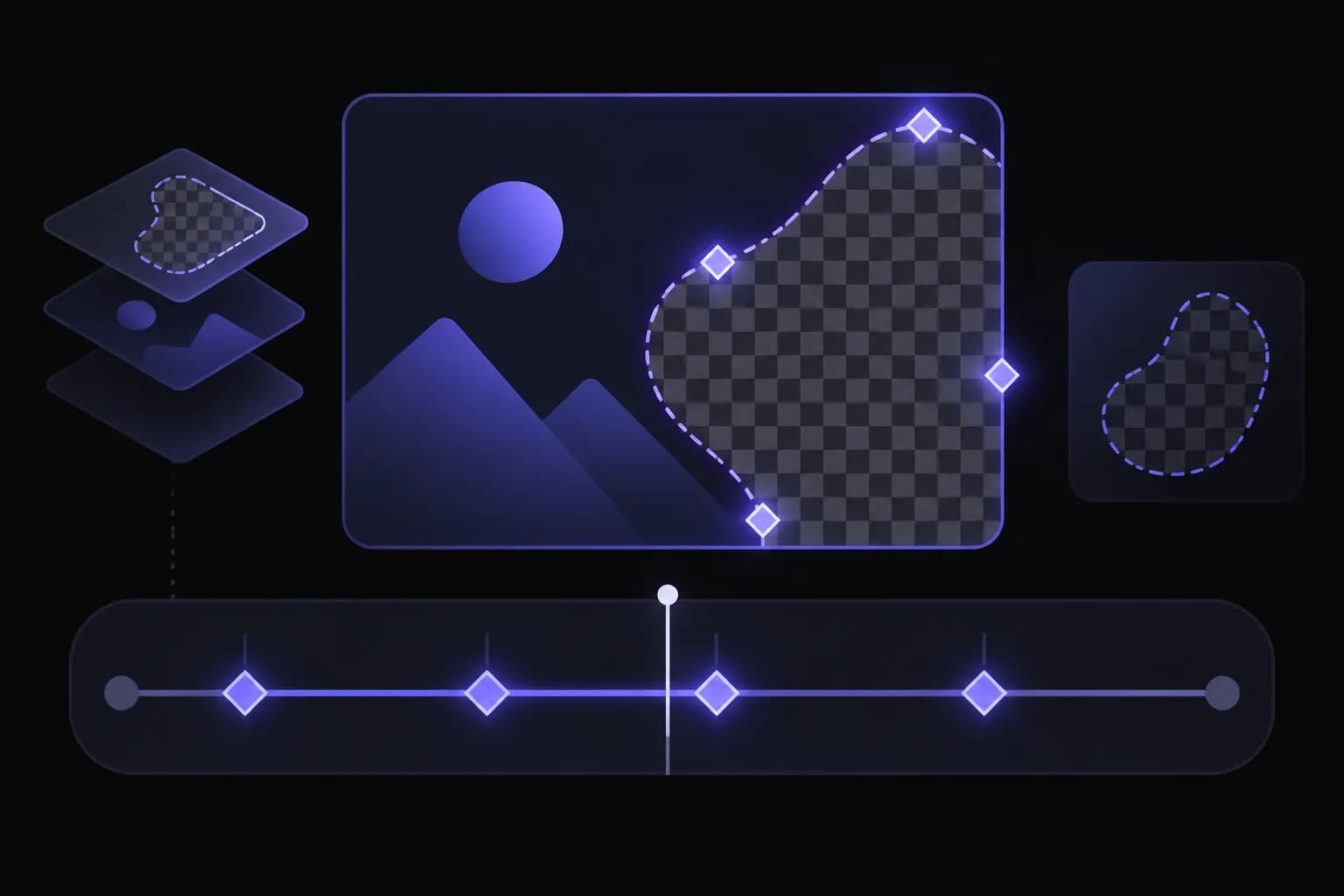
People search for a meta sam 2 background remover because Meta's Segment Anything Model 2 can follow an object through a video and make the surroundings disappear in a demo. That search mixes two different things: a research segmentation model and a finished video background remover you can hand to an editor or a client today. SAM 2 belongs to the first group unless you add compositing, timing, audio, and encoding around it.
Meta SAM 2 is a unified image-and-video segmentation model with a public demo, open weights, and documentation on Meta's research site. It is not a standalone consumer app with billing, storage, or a guaranteed transparent master file for every platform. Once you know where masks end and exports begin, you can choose the demo, the GitHub path, or a hosted remover without chasing the wrong tool.
This guide answers the queries behind the keyword: what Meta actually provides, how the online demo relates to background removal, what the GitHub project expects you to build, and when our SAM 2 video background removal guide or a browser video background remover is the faster route.
What is the Meta SAM 2 background remover?
There is no retail product with that exact name. Meta's SAM 2 research page describes SAM 2 as the first unified model for segmenting objects across images and videos, using a click, box, or mask to select an object on any frame. Background removal is a use case built on top of those masks, not a separate SKU.
In practice, three layers show up in search results:
| Layer | What you get | Typical gap for editors |
|---|---|---|
| Public demo | Interactive tracking and visual erase-style effects | No production SLA, limited control over codec and audio |
| Open-source code | Video predictor APIs, checkpoints, notebooks | You supply GPU, compositing, and export |
| Hosted removers | Upload, process, download | Less mask-level control, faster time to file |
Meta states that SAM 2 adds a per-session memory module so the model can track a selected object through frames, including brief disappearances, and accept correction prompts on any frame. That is powerful segmentation engineering. It does not automatically deliver a ProRes file with alpha that your NLE imports without testing.
Our Segment Anything video explainer walks the earlier SAM generation. SAM 2 extends the same idea with video memory; the compositing lesson still applies.
How does Meta SAM 2 remove a video background in the browser demo?
Meta hosts an interactive demo at sam2.metademolab.com where you upload or sample footage, select objects, and apply effects. The research page invites you to track an object with as little as one click and create effects, which is why tutorials brand the flow as a background remover.
Independent guides describe a repeatable click path: select the subject on a frame, run object tracking across the timeline, then choose an erase-style option so only the subject remains visible. That matches how segmentation-first tools behave: the model decides which pixels belong to the object; the UI composites or hides the rest for preview.
Treat the demo as a capability preview, not a batch processor. Length limits, queue behavior, and export codecs can change without a product changelog aimed at studios. Before you promise a client a transparent deliverable, download or record a test clip and open it in the editor you actually use.
Short clips with a clear subject and simple backdrop work best, which is the same practical advice Meta gives for interactive segmentation. Crowded scenes, glass, and fast motion still stress masks. Hair and motion blur often need manual refinement or a matting step our hair and edge guide discusses in tool-agnostic terms.
What does the Meta SAM 2 GitHub project include?
Developers who outgrow the demo use the facebookresearch/sam2 repository. Meta documents a video predictor that maintains inference state across frames, accepts new points or boxes on a frame, and propagates masks through the video.
The README example builds a predictor with a checkpoint and config, initializes state on a video, adds prompts, and iterates propagate_in_video to collect masklets. That is the core of a meta sam 2 background remover github workflow: your code must turn masks into alpha, composite backgrounds, mux audio, and encode.
Meta also released training data tooling and the SA-V dataset for research transparency. None of that replaces a product UI. Teams integrating SAM 2 into a call center, a mobile app, or a batch catalog still own latency budgets, failure handling, and legal review of user uploads.
If you want a structured engineering view without inventing benchmarks, continue in our SAM 2 video background removal guide, which separates mask generation from export acceptance tests.
Where do Meta SAM 2 background remover workflows fail?
Failures rarely mean the model is useless. They usually mean the stage after segmentation was skipped or the footage fought the mask.
Occlusion is the classic example. When one person walks in front of another, a tracker may swap identities or shrink the mask. SAM 2 supports corrections on individual frames according to Meta design notes, but someone must perform those corrections. A hosted remover hides that labor behind a single progress bar, which is convenient until the edge fails on hair and you cannot reach the mask.
Transparency is the second cliff. Segmentation masks are often binary. Real hair needs partial opacity. Meta demo previews may look acceptable on a laptop while a nonlinear editor shows jagged halos once you composite over gray. Pipelines that stop at masks without matting repeat a problem our AI background remover guide describes for still images, only now the defect moves every frame.
Audio is the third cliff. Research demos frequently focus on pixels. If you erase backgrounds in a preview but export a silent file, the clip is not ready for YouTube or a course platform. Verify audio on the exact file you download, not on the tab preview alone.
Compute is the fourth cliff for the GitHub path. Video propagation across hundreds of frames can exceed interactive patience on a laptop CPU. Meta positions SAM 2 for efficient streaming inference, but your checkpoint size and hardware still set real ceilings. Measure on your machine instead of trusting a generic benchmark screenshot.
Document which failure you saw. Mask drift, missing alpha, silent export, and timeout errors lead to different fixes. That discipline also keeps comparisons with commercial tools honest.
How is SAM 2 different from a one-click video background remover?
A hosted video background remover optimizes for time-to-download. You upload MP4 or MOV, wait for processing, and receive a composite or transparency-ready file, subject to that service limits on length, resolution, watermark policy, and audio.
SAM 2 optimizes for controllable segmentation. You can prompt with points or boxes, correct a frame, and track multiple objects. You trade convenience for flexibility.
| Decision | Lean toward SAM 2 demo or code | Lean toward a hosted remover |
|---|---|---|
| You need mask-level fixes on one hero shot | Yes | Maybe |
| You need the same workflow for twenty talking-head clips today | Unlikely | Yes |
| Your editor requires a tested transparent WebM or MOV | Only after you build export | Often faster to test vendors |
| You are prototyping a custom video SDK | Yes | Use as baseline comparison |
Neither side wins on every clip. SAM 2 can excel when the subject is unusual and prompts help. Hosted tools excel when audio, credits, and repeatable exports matter more than inspecting mask tensors.
Meta SAM 3 coverage belongs in a different generation of models. For context on newer unified segmentation releases, see our SAM 3 video background removal guide and compare against your timeline; do not assume checkpoint parity.
Can Meta SAM 2 replace your current video background remover?
Replacement depends on deliverables, not on model fame. List what must be true for the job: duration, resolution, audio preserved, transparent alpha versus solid replacement, and the next application in the chain.
Run the same short clip through three paths: the Meta demo, your optional local SAM 2 script, and one hosted tool such as BGRemover.video. Score each download against written acceptance checks. Common failures include dropped audio, black instead of transparent in the NLE, and flutter on hair during head turns.
For browser removers, verify limits on the product you use. BGRemover.video home FAQ content in the app constants lists MP4, MOV, and M4V support with a 200MB size cap and up to five minutes duration on the processing path, with paid usage handled through credits rather than a single flat subscription figure. Upload UI copy may show a shorter duration hint in places; test your file against the live uploader before a deadline.
Do not assume SAM 2 demo exports match BGRemover.video exports. The demo proves segmentation interactivity; BGRemover.video targets a finished creator workflow with remove video background features described on the product pages.
Which meta sam 2 video background remover path fits developers?
If your team already ships computer vision features, SAM 2 is an ingredient, not the meal. Plan four modules: ingest and normalize frame rate, run detection or prompting, propagate masks, then composite and encode with ffmpeg or your media SDK.
Keep evaluation clips public-domain or owned by your company. Meta open release is research-friendly, but your product still needs consent for user uploads. Log prompt coordinates and frame indices when you allow manual fixes so support can reproduce bugs.
Version checkpoints explicitly. The GitHub repository documents multiple config YAML files and checkpoint names. Pin the pair you tested; upgrading without regression clips breaks production silently.
When you need inspiration for a server-side pattern, read engineering posts that pair SAM 2 with detectors for person-first segmentation. They illustrate detect-then-segment design without obligating you to copy their stack. Your latency budget for a live call differs from an overnight batch job.
If engineering time is scarce, buying a hosted video background remover API or UI is not a defeat. It is a trade that buys support and export testing while you prototype SAM 2 offline for the cases vendors mishandle.
What should you do today?
Use this numbered path so a search for meta sam 2 video background remover online free turns into a decision, not an afternoon of mismatched tools.
- Write acceptance criteria. Note duration, need for audio, and whether the editor needs transparency or a solid replacement background.
- Try Meta demo on a representative clip. Confirm subject tracking, then check whether the preview quality is enough for your channel or client.
- If you are engineering, clone the official GitHub repo, run the video predictor notebook on a GPU you control, and document mask plus composite steps.
- If you need a downloadable asset now, test a hosted video background remover on the same clip and compare edge stability and export compatibility.
- Keep sources linked. Bookmark Meta research pages for model behavior and your chosen exporter for limit changes.
When the demo is enough for a meme or internal test, stop there. When the demo is not enough, escalate to code or a hosted pipeline instead of assuming a hidden Meta download will appear later.
Conclusion
Meta SAM 2 powers impressive interactive segmentation, and that is why the meta sam 2 background remover keyword keeps growing. The model tracks objects across frames and enables erase-style previews in Meta demo, while the open-source release expects you to own compositing and encoding. Treating SAM 2 as a finished remover skips those steps and sends editors back to forums with broken alpha files.
Match the tool to the job. Researchers and SDK teams should lean on the official repository and the detailed workflow notes in our SAM 2 practical guide. Creators who need a reliable download today should compare hosted options on real footage, including transparent export behavior and audio handling.
If your clip is a standard talking head or product demo within ordinary length limits, opening BGRemover.video and running the same acceptance test you used on the demo is often the fastest honest answer. You keep segmentation science available when you need it, without forcing every project through a notebook.
Frequently asked questions
What is the Meta SAM 2 background remover?
Meta does not ship a product called a background remover. SAM 2 is a segmentation model that can isolate objects in video; removing a background means applying those masks in a compositing or erase step, which Meta exposes in its public demo and in open-source code.
Is Meta SAM 2 background remover online free?
Meta's SAM 2 demo at sam2.metademolab.com is free to try in the browser for experimentation. It is aimed at interactive segmentation, not at production batch jobs, API quotas, or guaranteed export formats for every editor.
Can I download Meta SAM 2 background remover?
You can download SAM 2 model weights and code from the official GitHub repository and run video prediction locally or in your own cloud. That path requires setup, compute, and your own compositing and encoding steps.
How does Meta SAM 2 remove video background in the demo?
You select an object on a frame, track it across the clip, then choose an erase or cutout effect in the demo interface. Third-party walkthroughs describe click, Track Objects, then Erase for a subject-only preview.
Is SAM 2 the same as meta sam 2 video background remover tools?
Many tutorials use the phrase background remover for SAM 2 workflows, but the model outputs masks. Hosted video background removers wrap segmentation, matting, audio, and export in one upload flow.
When should I use a hosted video background remover instead?
Choose a browser tool when you need a finished MP4, MOV, or transparent WebM with audio handled, without installing PyTorch or writing compositing scripts. SAM 2 remains valuable when you need custom prompts in a pipeline you control.
Does BGRemover.video use Meta SAM 2 internally?
This guide does not document BGRemover.video model weights. Compare its upload limits, export options, and edge quality on your own footage rather than assuming a specific open-source checkpoint.